













































Crypto Wallet App
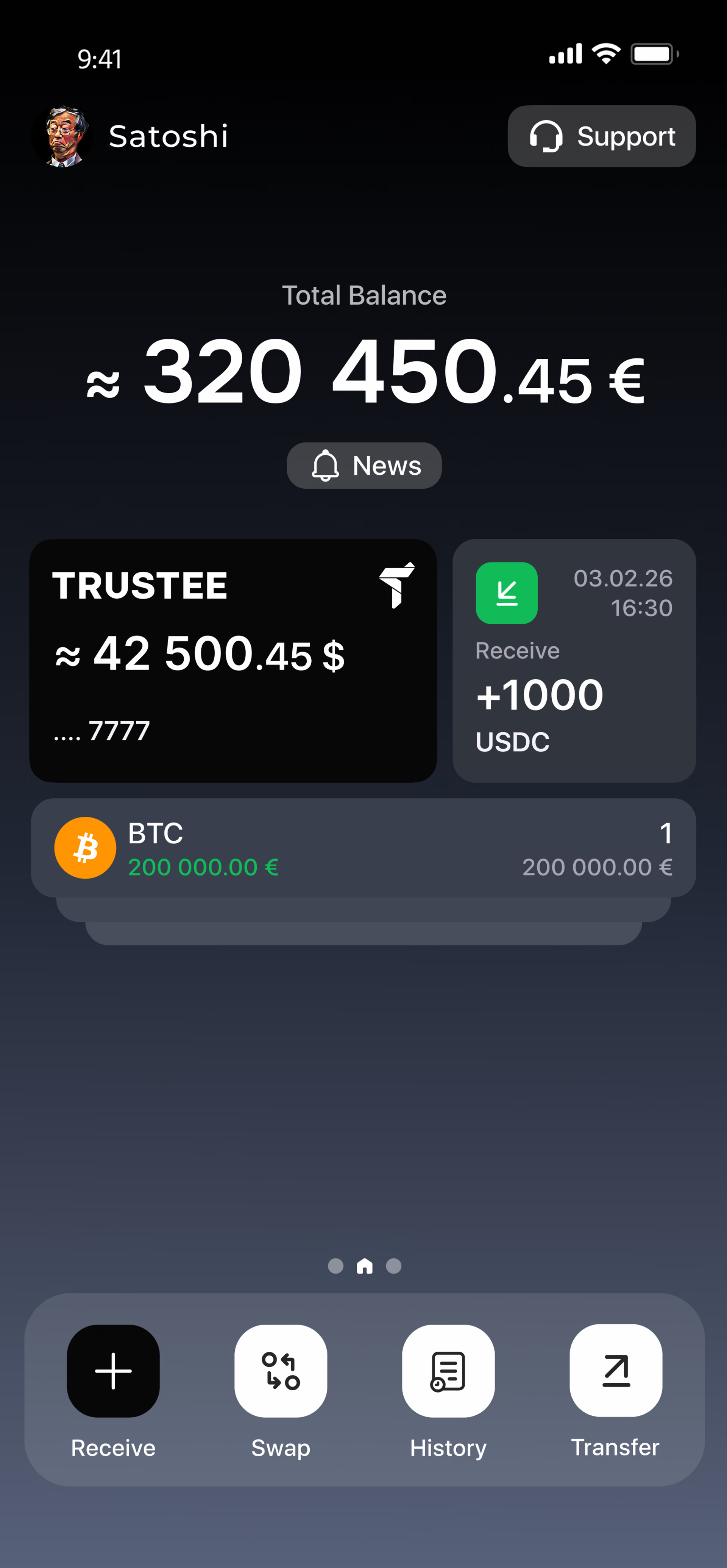
Buy, swap, send and receive popular cryptocurrencies in one mobile app. Manage your assets and use the payment card in Trustee Plus to pay directly from your crypto balance.
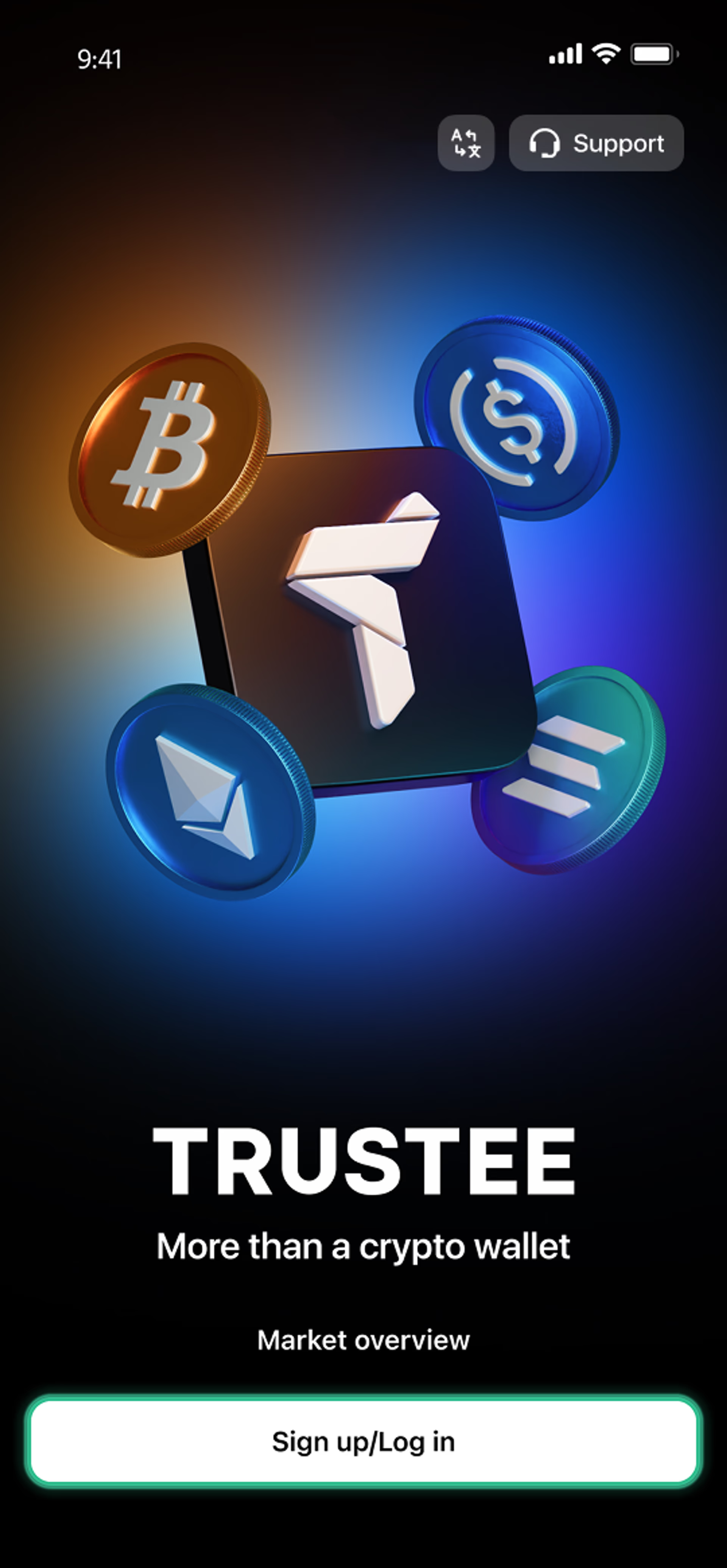
Getting started takes just a few taps: download the app, register with your phone number and start managing your crypto.


How to create a crypto wallet?
- 1
Download and install Trustee Plus
Installing the Trustee Plus crypto wallet on your phone takes just a few minutes.
- 2
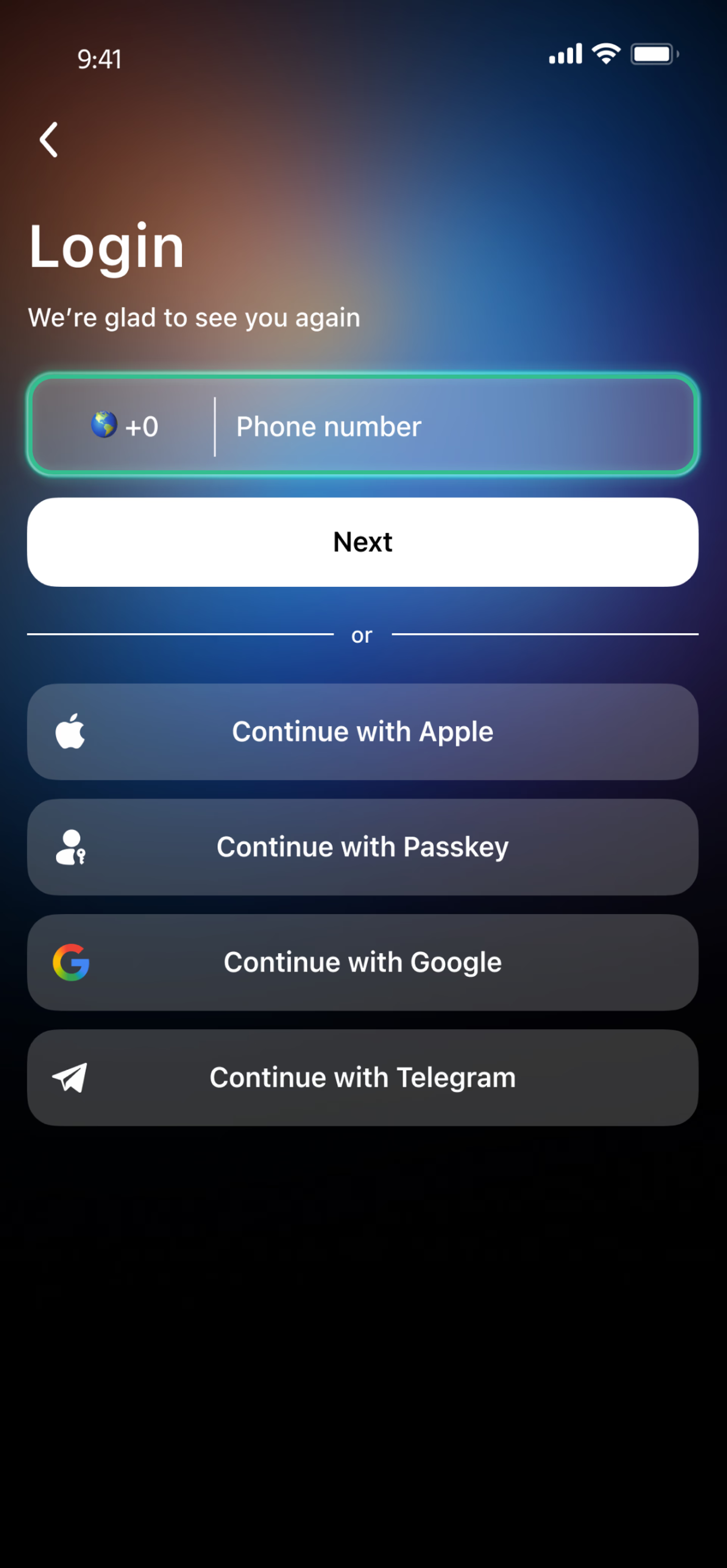
Enter your phone number
Register your phone number.
- 3
Confirm your number
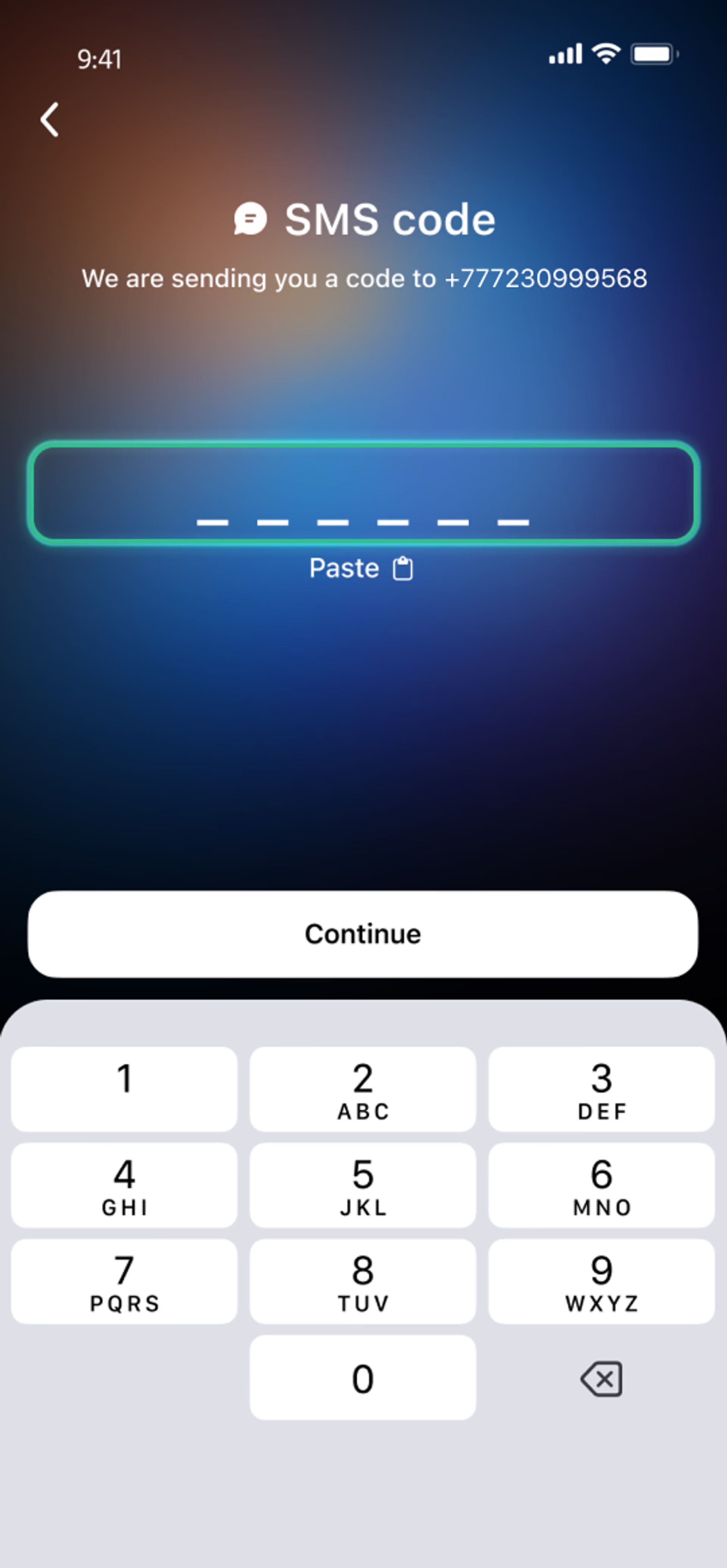
Confirm your mobile number via a phone call or SMS.
- 4
All set
Enter the remaining details and start using the app.


Advantages of Trustee Plus

Cost-Effectiveness and Transparency
- Free and quick registration with easy verification
- Exchange commission of just 0.5%, with no hidden fees
- Always up-to-date and favorable exchange rates for all operations
- Free transfers and top-ups
Flexibility
- Support for various cryptocurrencies: BTC, ETH, and others
- One account with multiple methods: SOL, ERC20, BEP20, and more
- Exchange cryptocurrencies and fiat seamlessly
- Free instant swaps of stablecoins between each other

User Reviews of Trustee Plus

What Is a Crypto Wallet App?
A crypto wallet app is a mobile tool that allows you to access and manage digital assets from your phone. Depending on the app, you can use it not only to hold cryptocurrency, but also to buy, swap, send and receive assets or pay with crypto. A well-designed crypto wallet app also makes everyday asset management and account security easier. Features such as PIN or biometric access, transaction confirmations and clear activity records help users manage their funds in one place.

When an app combines crypto features with traditional payment options, it can serve as a practical bridge between digital assets and everyday spending. Mobile crypto wallet Trustee Plus brings these features together in one mobile app, allowing users to buy, swap, send and receive supported cryptocurrencies and use their crypto balance for everyday payments where the card in Trustee Plus is available.
FAQ
How do I create a crypto wallet in Trustee Plus?
Download Trustee Plus from the App Store or Google Play, install the app and sign up using your phone number. Registration takes just a few minutes. After creating your account, configure the available security settings and complete identity verification to access all features. See the detailed registration instructions.
How to use a cryptocurrency wallet?
Mobile crypto wallet Trustee Plus allows you to buy, swap, send and receive supported cryptocurrencies in one app. To receive crypto, select an asset and network, then copy your wallet address or share its QR code. To send crypto, enter the recipient’s address and make sure the selected network matches the receiving network.
Can I send crypto from Trustee Plus to another wallet?
Yes. You can send supported cryptocurrencies from Trustee Plus to an external wallet address. Select the asset and blockchain network, enter the recipient’s address or scan its QR code, and review the transaction details before confirming. Make sure the sending and receiving networks match, as transactions sent through the wrong network may not be recoverable.
Which cryptocurrencies and networks does Trustee Plus support?
Trustee Plus supports more than 30 cryptocurrencies and multiple blockchain networks, including ERC-20, TRC-20, BEP-20, Solana, NEAR and Polygon. Network availability differs depending on the asset. Always check the currently supported options in the app before making a transaction.
How does Trustee Plus protect my crypto wallet?
Trustee Plus provides several account security options, including a PIN code, passkeys, biometric access and multi-factor authentication. Users should also regularly review account activity, keep the app and operating system updated, and carefully check the recipient’s address and network before confirming a transaction. Learn more about security in Trustee Plus.
Do I need to complete identity verification?
You can download Trustee Plus and create an account before completing identity verification. However, verification is required to access all features, including the payment card in Trustee Plus. The process requires an accepted identity document, personal information and a selfie. See the verification instructions for details.
Can I pay with crypto using Trustee Plus?
Yes. Eligible users can issue a payment card in Trustee Plus, top up its separate balance with supported cryptocurrencies and use it for online or in-store purchases wherever the card is accepted. The card can also be added to Apple Pay or Google Pay. Availability and eligibility depend on the user’s country and applicable terms. Learn more about the payment card in Trustee Plus.
Is Trustee Plus free to use?
Downloading the app and creating an account are free. Fees may apply to certain operations, such as cryptocurrency exchanges, card issuance, card balance top-ups or withdrawals. The amount depends on the selected service and transaction type. Check the current Trustee Plus fees before completing an operation.
Install Trustee Plus - a crypto wallet with payment card!
All the benefits in one app
